Focus / Count up
Start without a setup wall. Dial shows what you have held instead of what is disappearing, while the plan stays visible as a quiet landmark.


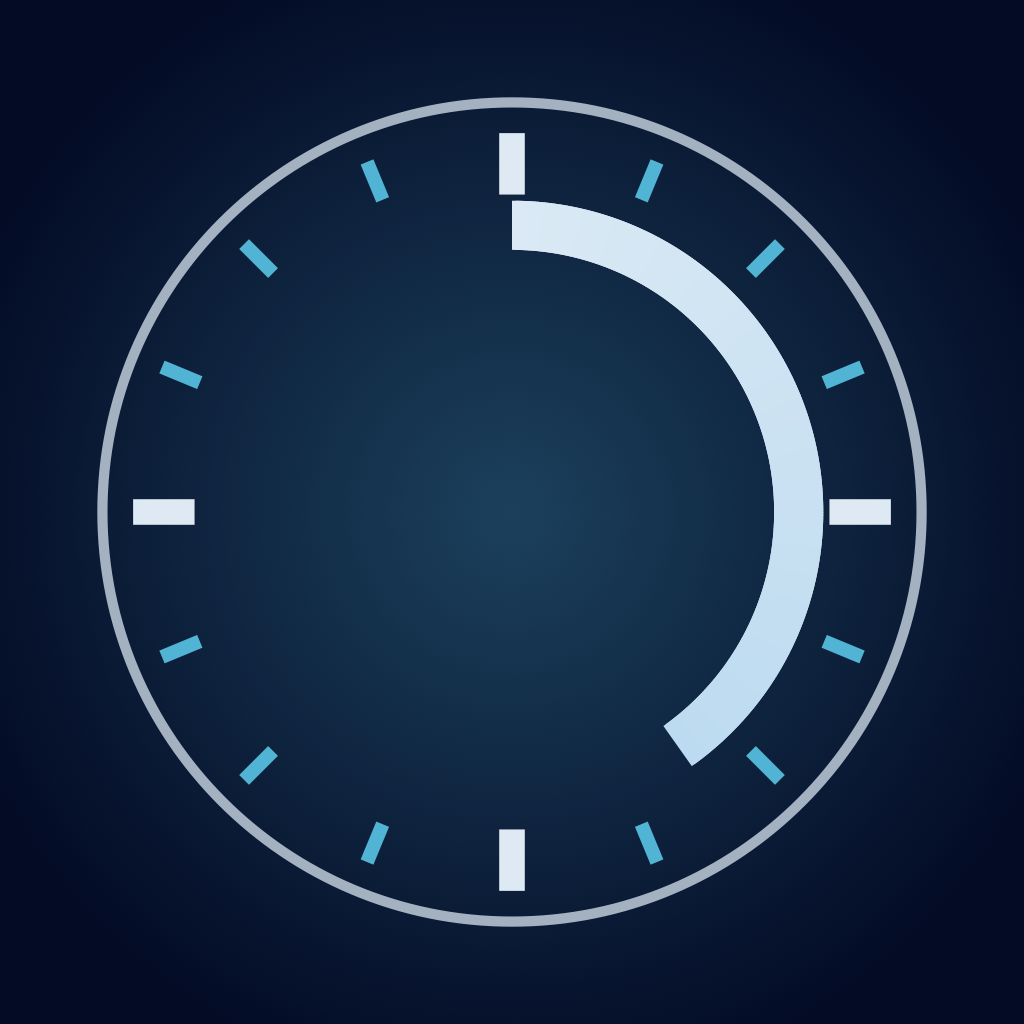
Dial is a focus Session that stays intact when your mind interrupts you. Time counts up. Your plan is a landmark, not a deadline. Park the interrupting thought in seconds without leaving the clock, then return immediately.
The clock keeps one continuous place through focus, Park and Return, Sections, overtime, and a gentle close.
Start without a setup wall. Dial shows what you have held instead of what is disappearing, while the plan stays visible as a quiet landmark.
Park what surfaced in seconds. The clock remains visible and running; after the thought is safe, you return without a review step or re-entry ritual.


Sections are set before the clock starts — a planning act, not a mid-session edit. From then on Dial follows them automatically, lets work continue quietly past the plan, and closes by stating what happened—never grading it.


Siri is a first-class control surface for the same running Session. Start or steer Dial, park what surfaced, and check where you are without opening the app or creating a second timer.
Say “Start Dial” to begin, or use the Start Dial action in Shortcuts with a 5–60 minute plan.
Say “Set my target time in Dial.” Give Siri a clock time and Dial moves the current plan landmark while preserving its absolute 60 held-minute boundary.
Say “Park a thought in Dial.” Dictate what surfaced and it is saved directly against the active Session so you can let it go.
Ask “How is my Dial going?” Siri can report whether the Session is running or paused, how much time you have held, and the current plan target.
Pause, continue, or end the same durable Session from Siri. The Live Activity and session boundaries stay reconciled with what you asked for.
These surfaces are implemented in the current repository. We name them here without inventing screenshots that have not been captured in the current Instrument theme.
See the running dial, start, pause, resume, end, and park a thought from your wrist. Boundary haptics and a basic running complication are part of the free fundamentals.
A Live Activity and Dynamic Island keep the current Session visible. Home and Lock Screen widgets offer a quieter glance.
Start Dial, set a clock target, park a thought, check Session status, pause, resume, or end through Siri and App Shortcuts. Control Center and App Intents use that same durable Session.
Session history, Parked Thought search and export, ambient soundscapes, and on-device intelligence support the work around the clock.

The first release is a complete, local-first free app. Dial Plus follows in a fast update for people who want their own iCloud across devices, more visual expression, and a richer Watch instrument.
Choose how Dial meets the room without changing how it works. Instrument ships with the free app. Ember, Calm, and Ink follow with Dial Plus.

Cool steel and graphite. Dial reads as a precision timepiece.

Warm brass and gold. Dial’s original fire-lit identity.

Quiet sage and mint, with warmth reserved for parking a thought.

Stark carbon plate and pure bone-white ticks. Pure monochromatic focus.
Made with Aether
At free launch, Dial works locally on your iPhone. If you later choose Dial Plus sync, your data travels through your private Apple iCloud account. There is no Aether server and no Aether account.
Read the Privacy PolicyDial is available now as a free TestFlight beta ahead of its App Store release.
Join the beta